Every cut
is content.
Snap the before and after on your phone. FadeFeed's AI turns them into reels, carousels and captions that get you booked, then posts to every social you run in one tap.
- TikTok
- YouTube Shorts
- Threads
- X

How it works
Chair to feed in three taps
You already take the photos. FadeFeed does the part that eats your evenings: picking the best shots, editing them and writing something worth reading.
 01
01Snap the before and after
Shoot on your phone like you already do, or pick photos from your camera roll. Every client gets their own card.
- 02
The AI builds the posts
It sorts before from after, names the cut, and pitches a reel, a before and after, a carousel and a spotlight, each with a hook, caption and hashtags in your voice.
- 03
Post everywhere at once
Tick your accounts and hit post, or schedule it for your best time. Each platform gets the right size, caption and settings.
Formats
Four posts from one set of photos
Sized for each app, branded with your handle and color, and ready in seconds. Post one today, save the rest for the week.
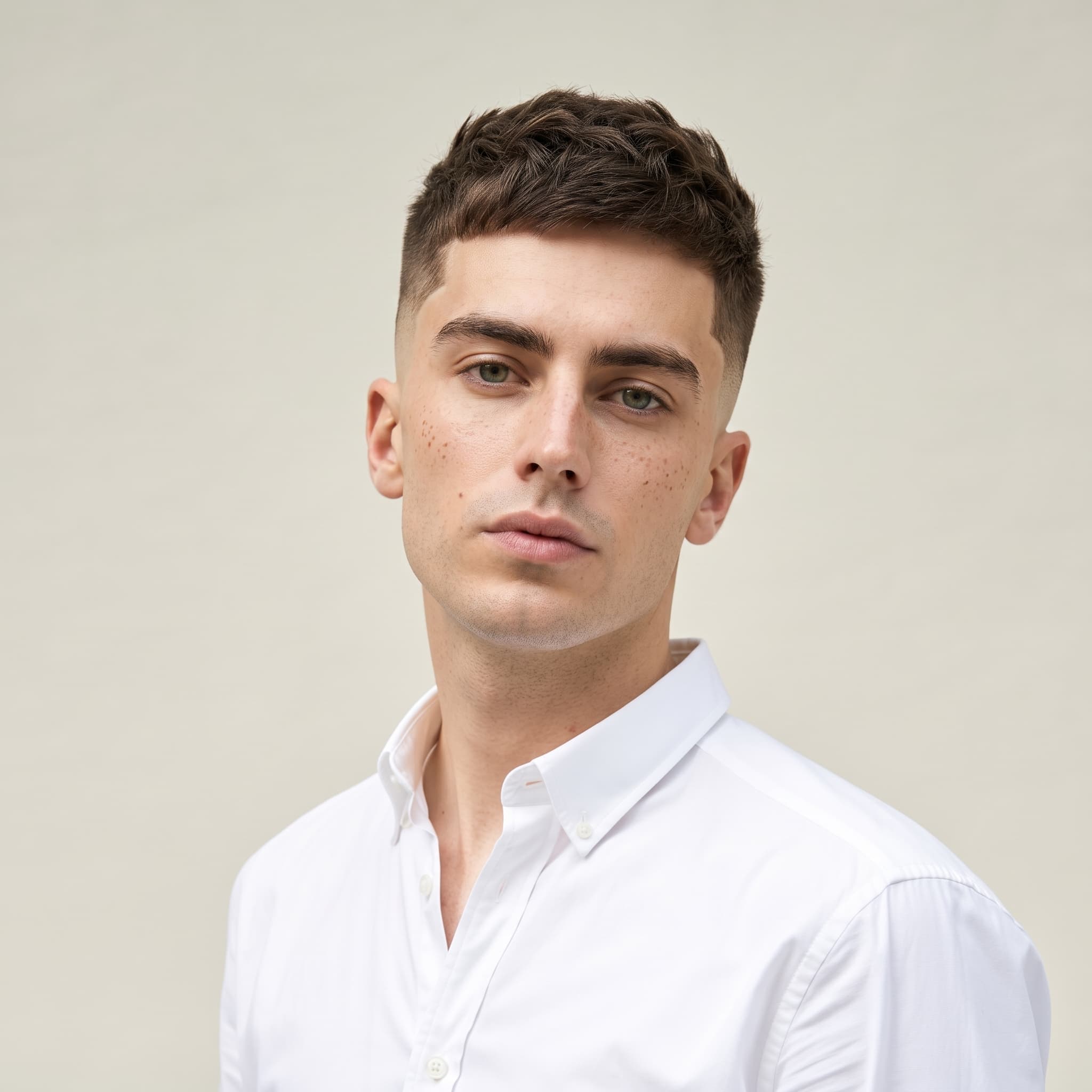
- BEFOREAFTERWait for it@northsidecutsBook now
Reveal reel
A 9 second vertical video that wipes from before to after, with your hook and an end card. Made for Reels, TikTok and Shorts.
- BEFOREAFTERHe said surprise me
Before & after
The classic side by side in feed size, labeled and branded, so the transformation lands in one look.
- 1/4SWIPE
Carousel
Your strongest shot first, then the before and the details. Swipes keep people on your post longer.
 NORTHSIDE CUTSClassic taper, clean beard
Spotlight
One hero shot with the style name across it. Perfect for the cuts that speak for themselves.
The studio
Built for the chair, not the desk
Knows a before from an after
Drop in every photo from the chair. The AI sorts them, rates the shots and picks the strongest pair. Tap a label to overrule it.
Writes the way you talk
Pick hype, clean, friendly or luxury. Hooks, captions and hashtags come out in that voice, with your city and booking link built in.
Your handle on every post
A subtle watermark and your brand color on every reel and image, so reposts still send people to your chair.
Real video, made on your phone
Reels export as crisp 1080 by 1920 video in seconds, right in the browser. No editing app, no laptop.
Post now or at the right time
Every idea comes with a suggested time to post. Schedule the week's content in one sitting.
Private to your shop
Photos stay in your locked studio until you choose to post them. Captions never mention your client by name.
FAQ
Straight answers
Do I need to edit anything?
No. Upload the photos and the AI picks the shots, builds the reel and images, and writes the caption. You can change any word or swap any photo before it goes out, but you don't have to.
Will anything post without me?
Never. You see the finished post first, and nothing goes live until you press Post or pick a time to schedule it.
Which socials can it post to?
Instagram (Business or Creator accounts), TikTok, Facebook Pages, YouTube Shorts, Threads and X. Connect as many as you run and choose which ones each post goes to.
What about my clients?
Photos stay private in your studio until you post them, and captions never use a client's name. As always, check your client is happy to be featured before you share their cut.
Can I use it from my phone between cuts?
That's what it's built for. Snap photos straight into the studio, and if you'd rather post by hand, save the finished reel or image to your camera roll in one tap.
Your next client is scrolling right now.
Set up your studio in two minutes and turn today's cuts into tomorrow's bookings.
Open your studio
Socials
Connect once. Post everywhere.
Link your accounts one time and every post goes out to all of them together. Each app gets the caption length, size and settings it expects, and you get a link to every live post.